TIMELINE
5 Weeks
OVERVIEW
MY ROLE:
I conducted user research, helped fabricate our our physical prototype, and designed for the UI of our paired app.
OUTCOME


Navigation
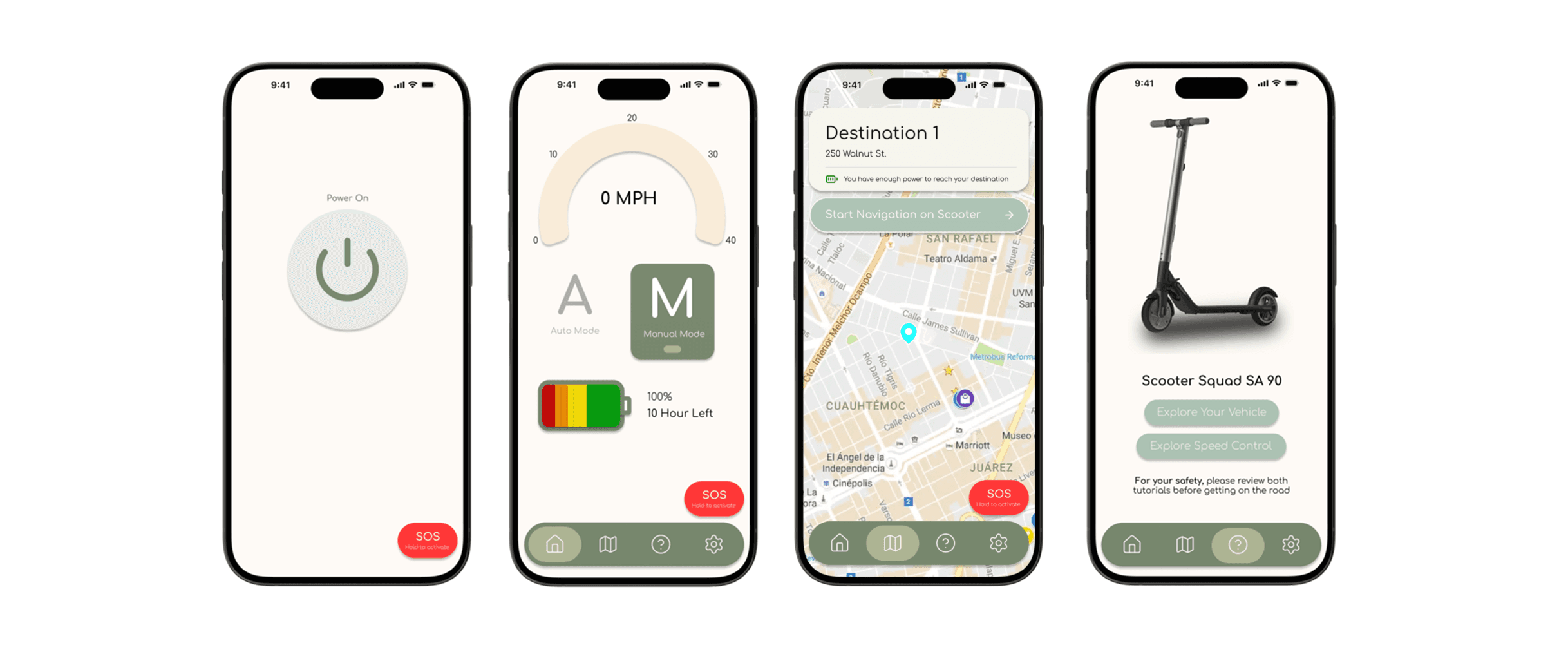
Paired app that supports navigation.
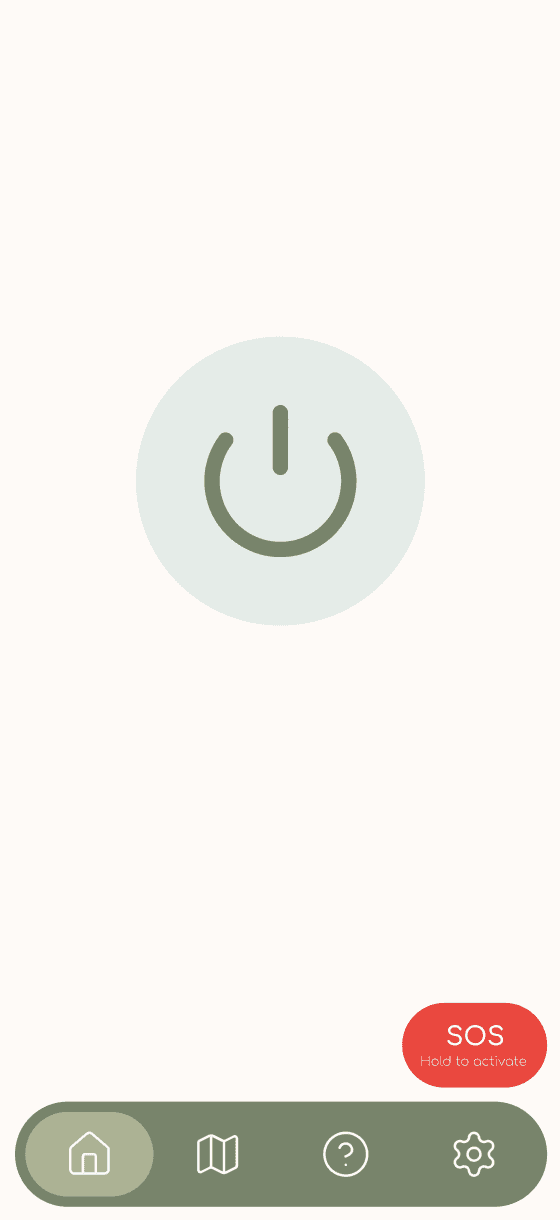
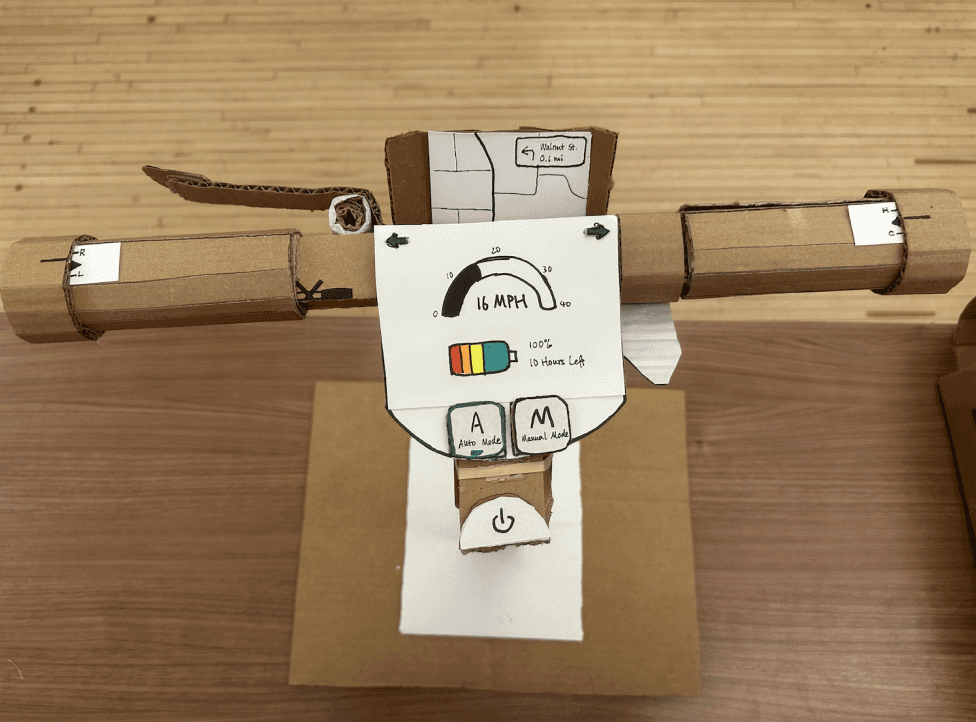
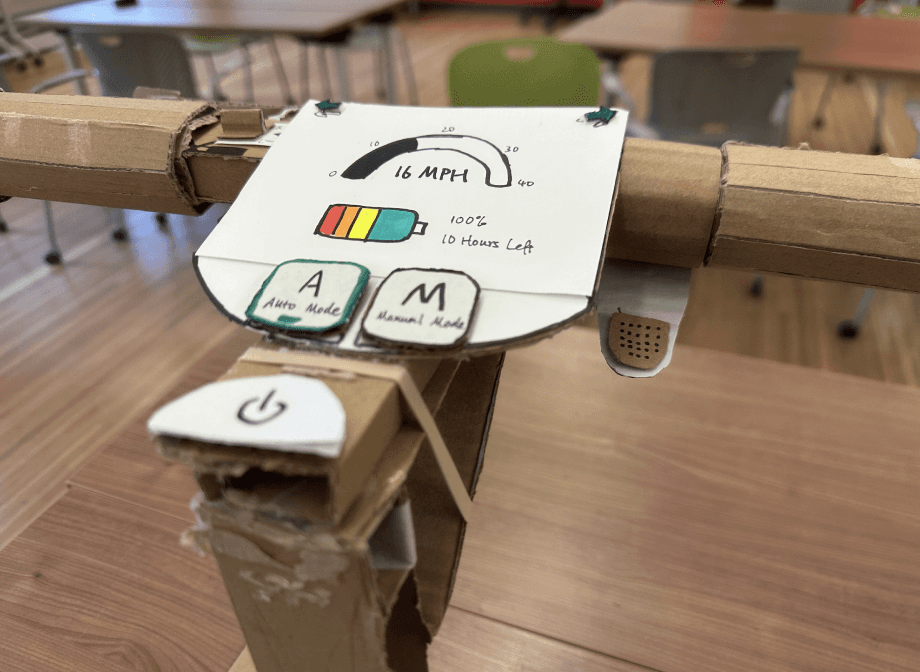
A power button located on the center of the screen poses as a clear CTA to prompt users to immediately start their trip.
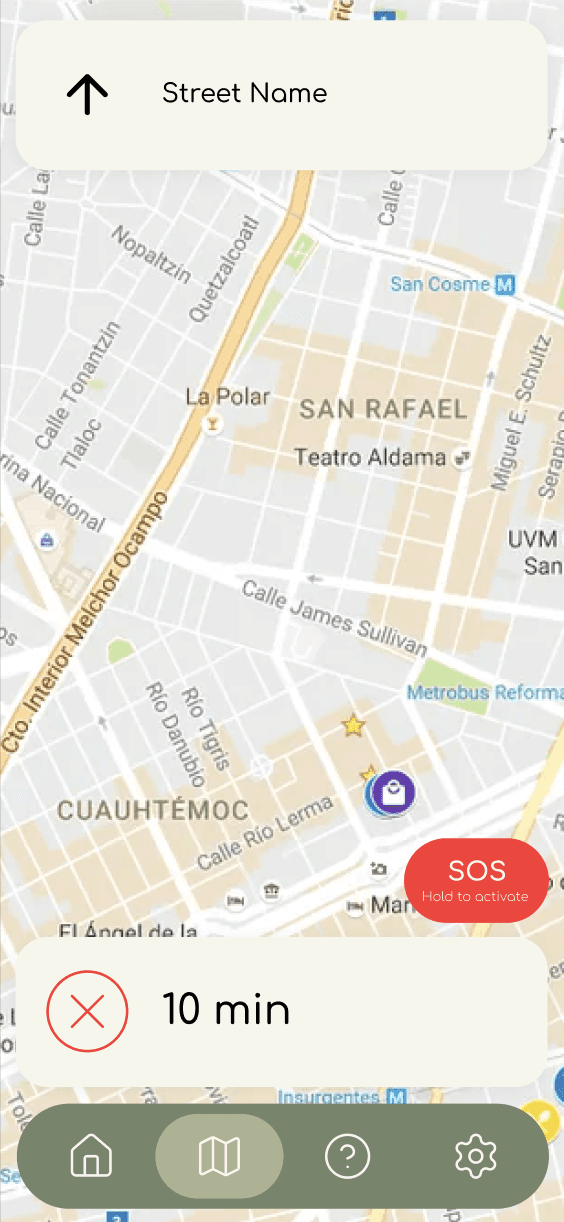
Navigation screen pops up when features is triggered.
Creating Trust
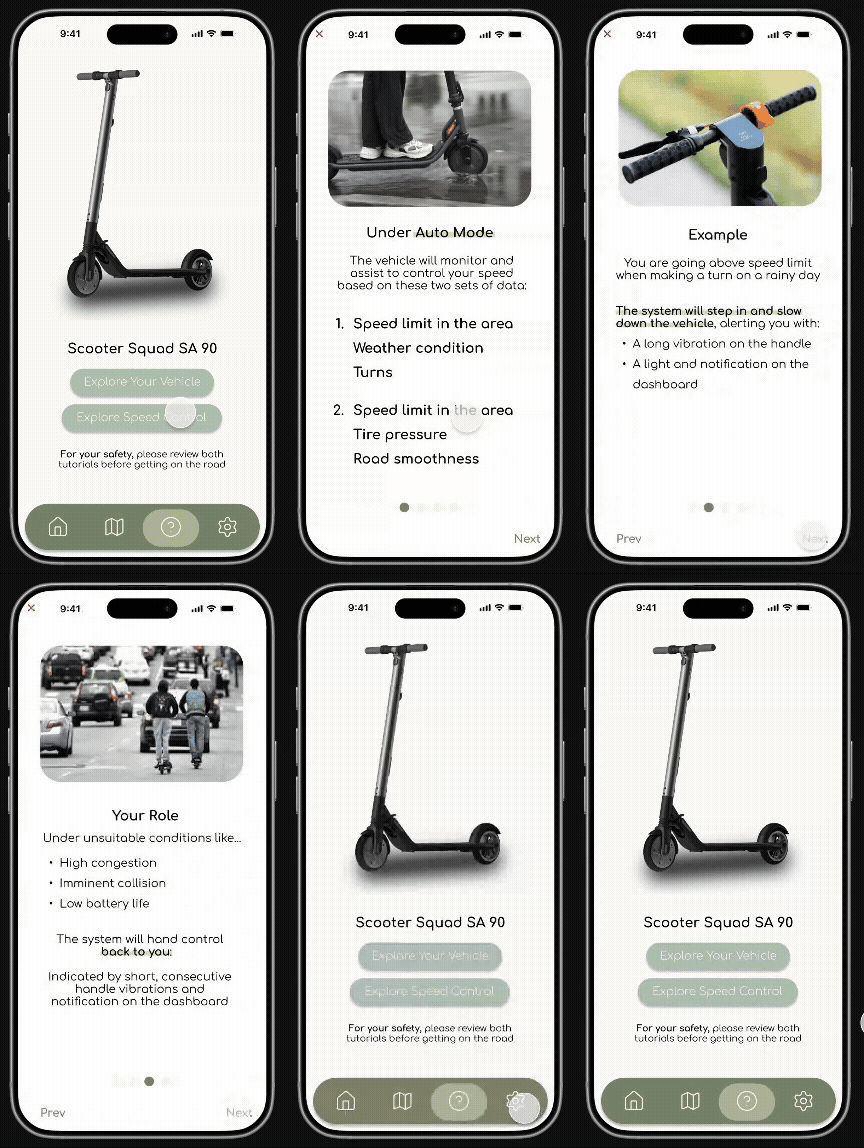
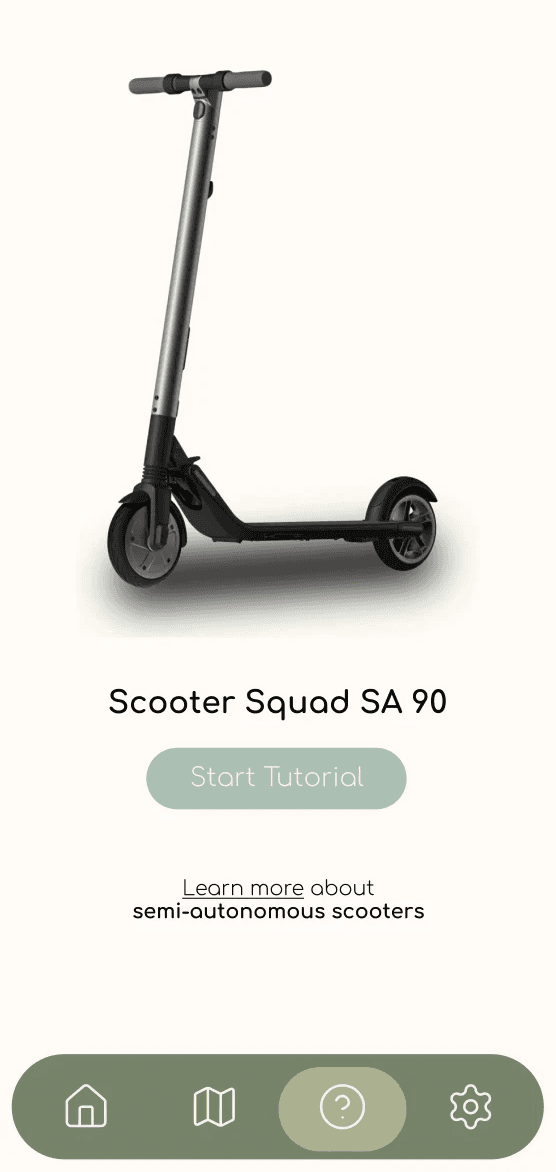
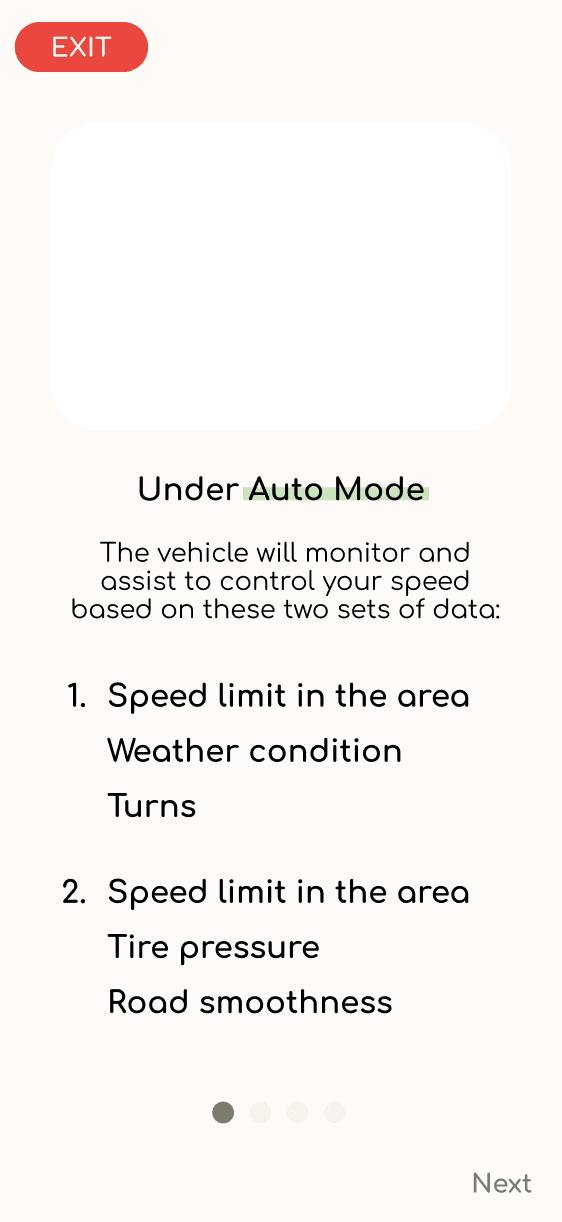
We created a tutorial system that features a coach marking process to easily familiarize the user to the scooter's functionalities
Simple onboarding tutorial to teach the user on the scooter's semi-autonomous capabilities to increase their trust in the semi-autonomous system.

USER RESEARCH
Secondary Research
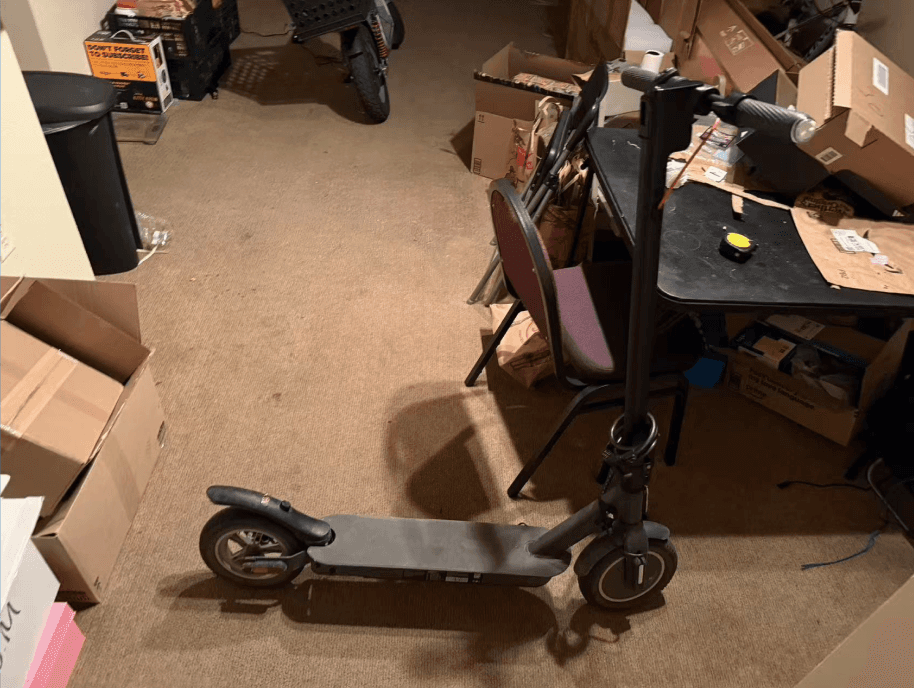
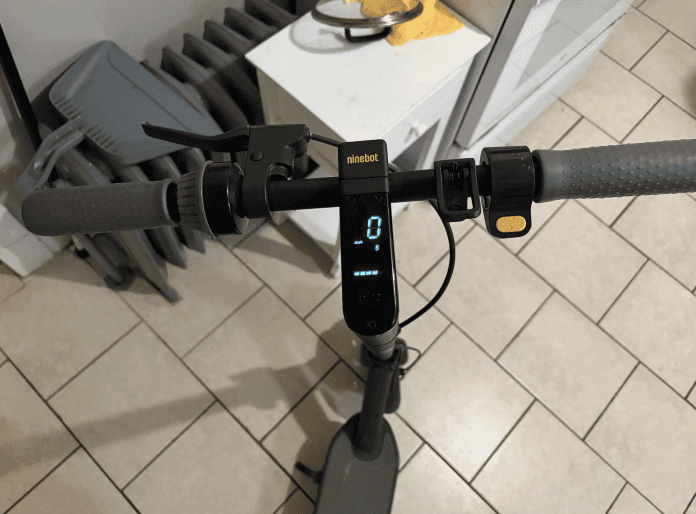
Desktop research to gain breath on recurrent touchpoints where user experienced friction.
Primary Research
Contextual interviews to find pain points
Questions include:
What information do you check before or during your rides (speed, battery, map, etc.)?
If your scooter could help you more intelligently, what would you want it to do?
How much control would you be comfortable giving to the scooter - for example, self-braking, lane-keeping, or automatic parking?
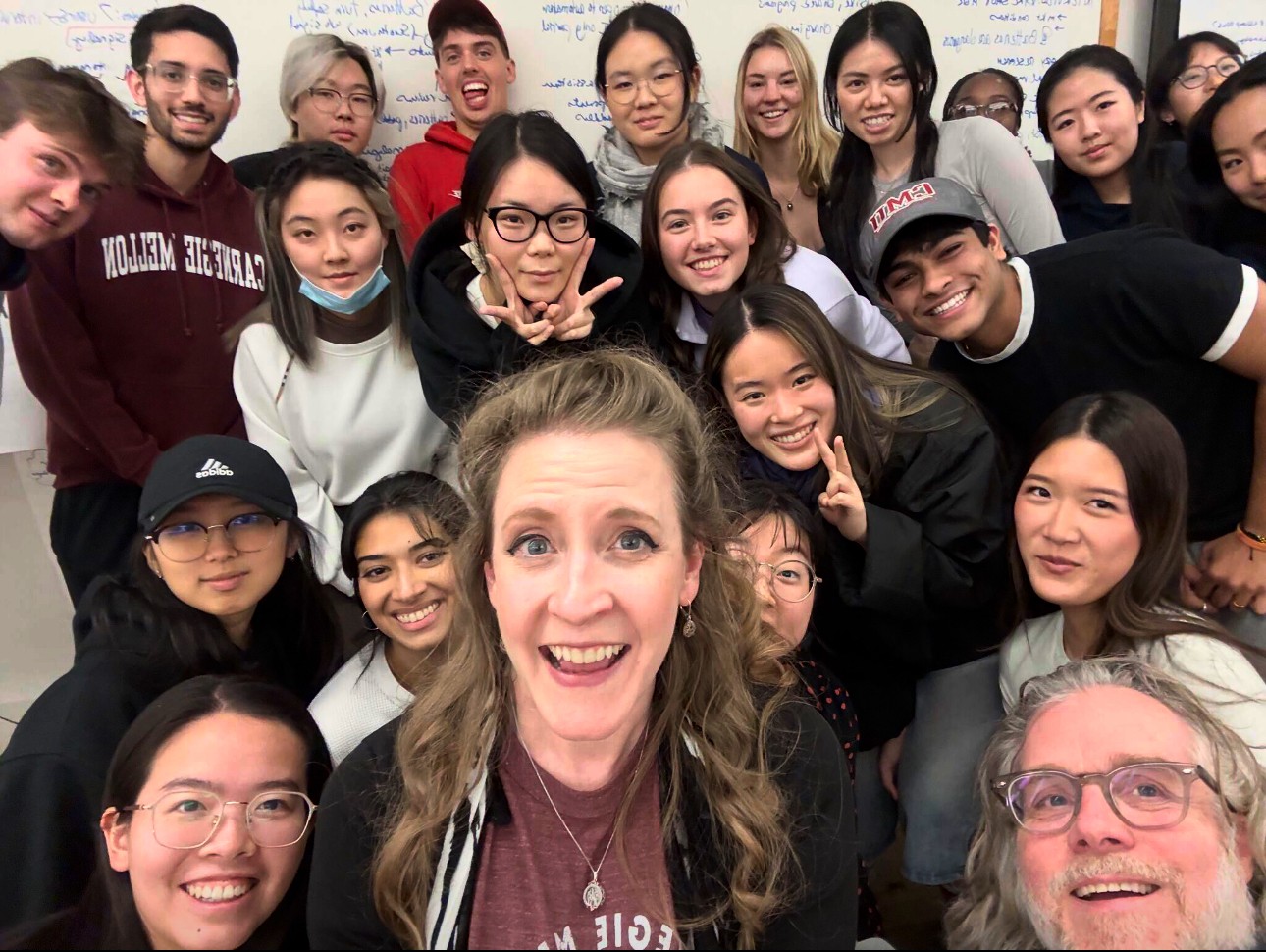
Special Guest: Cheryl Platz, Creative Director @ The Pokémon Company International
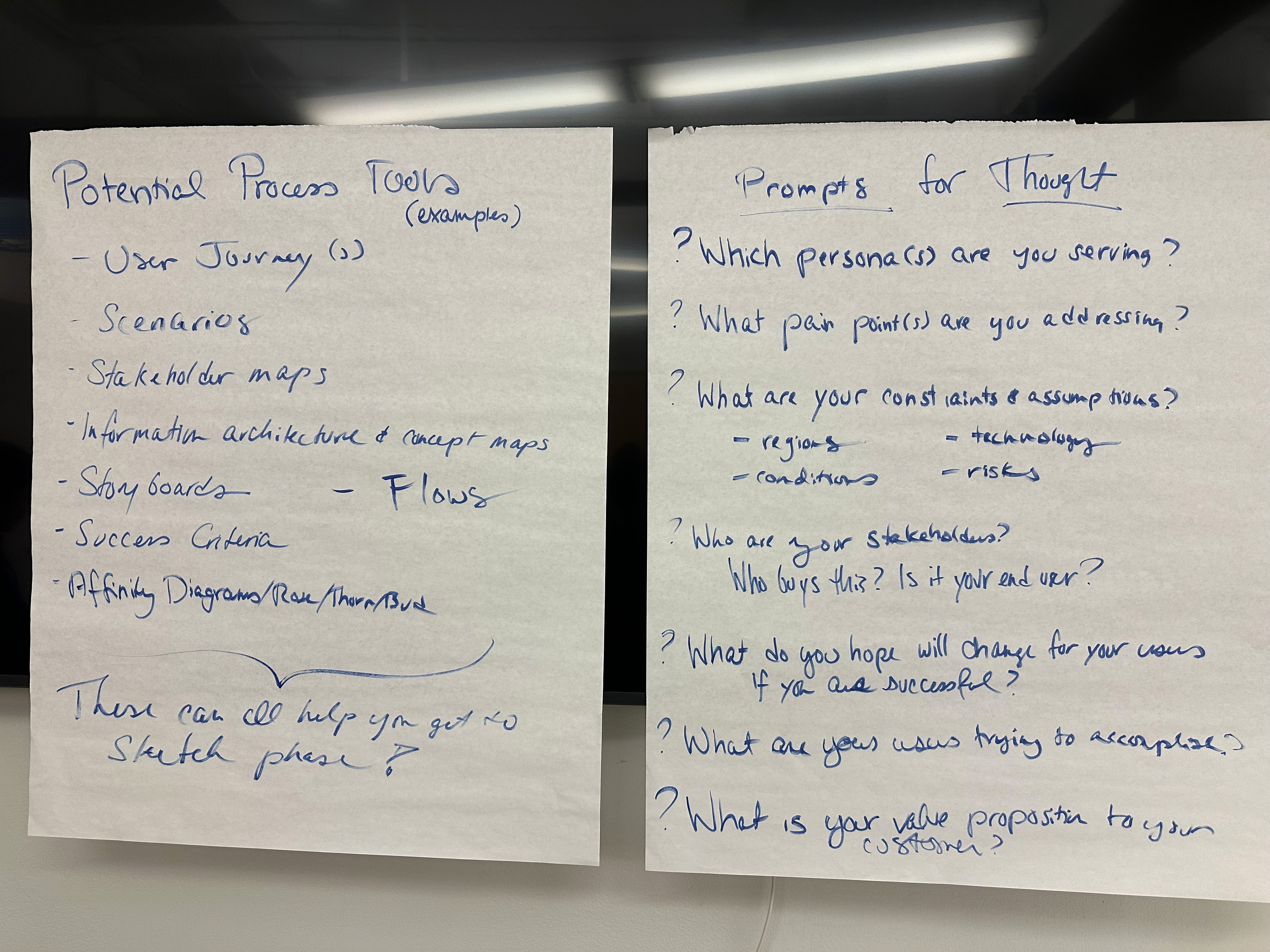
Cheryl provided us with design insights including:
• Earn trust from stakeholders by showing them you know where the flaws are
People want to be heard approach with an empathetic framework
INSIGHTS
We found various pain points and value spaces through our user research, and understood the need to synthesize our findings into action-able insights to design for a specific demographic.
Low-fi sketches + ideas
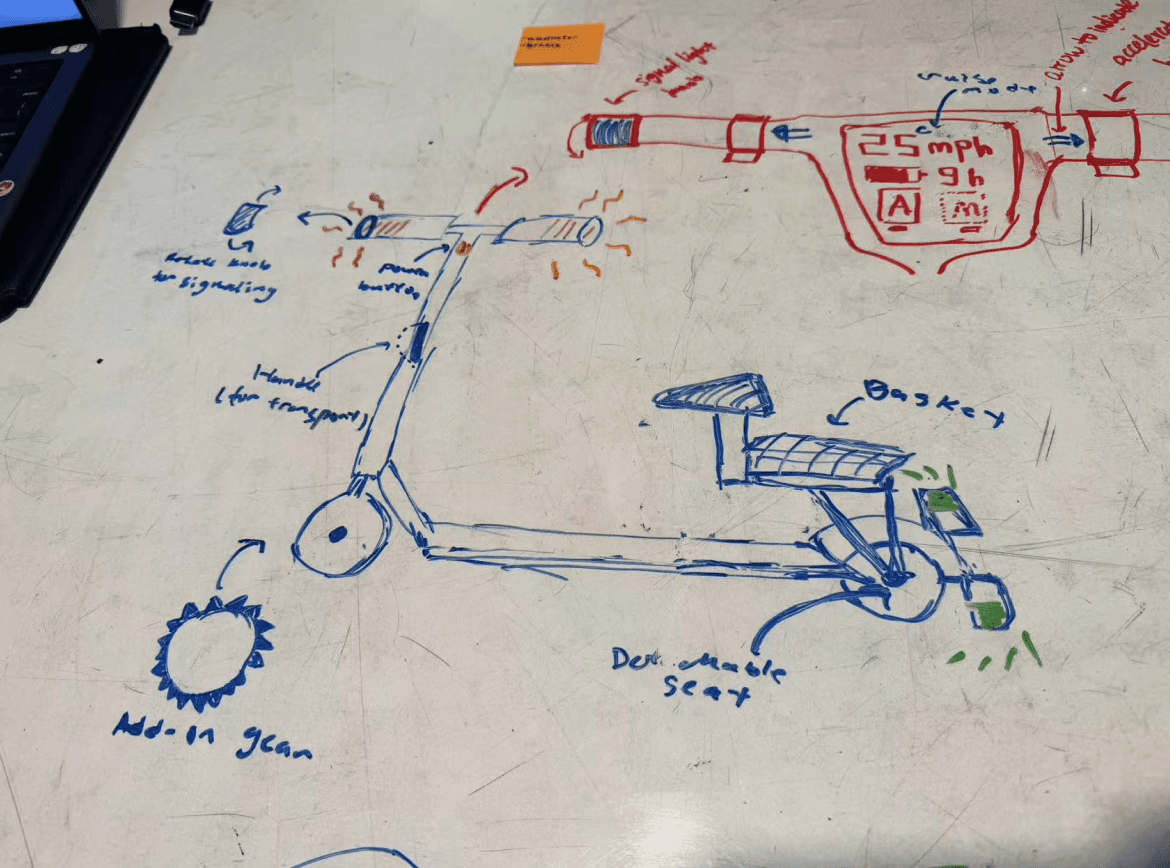
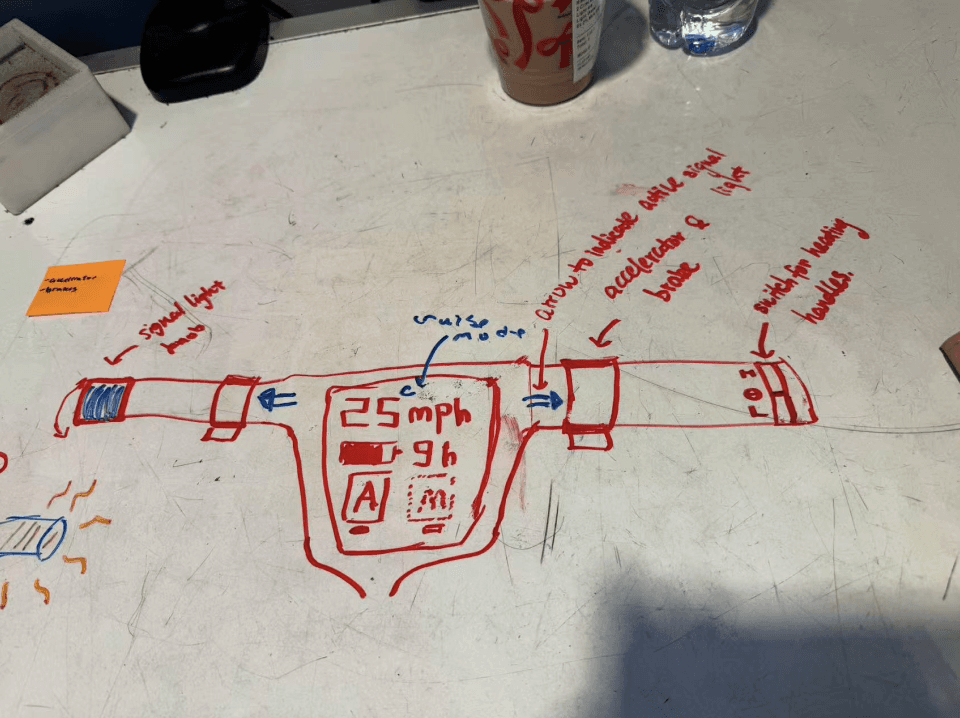
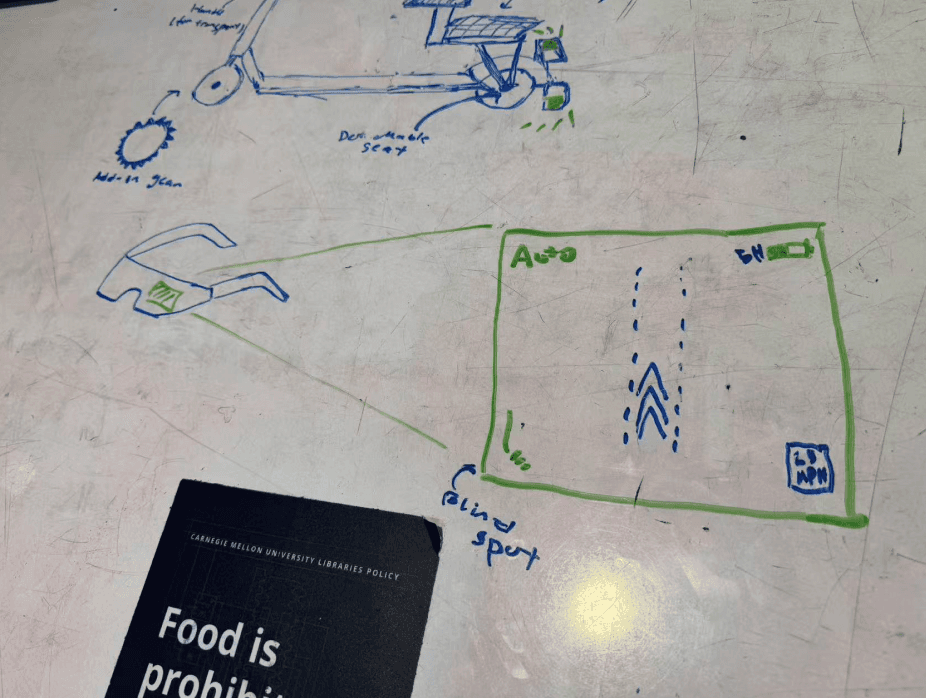
Storyboarding
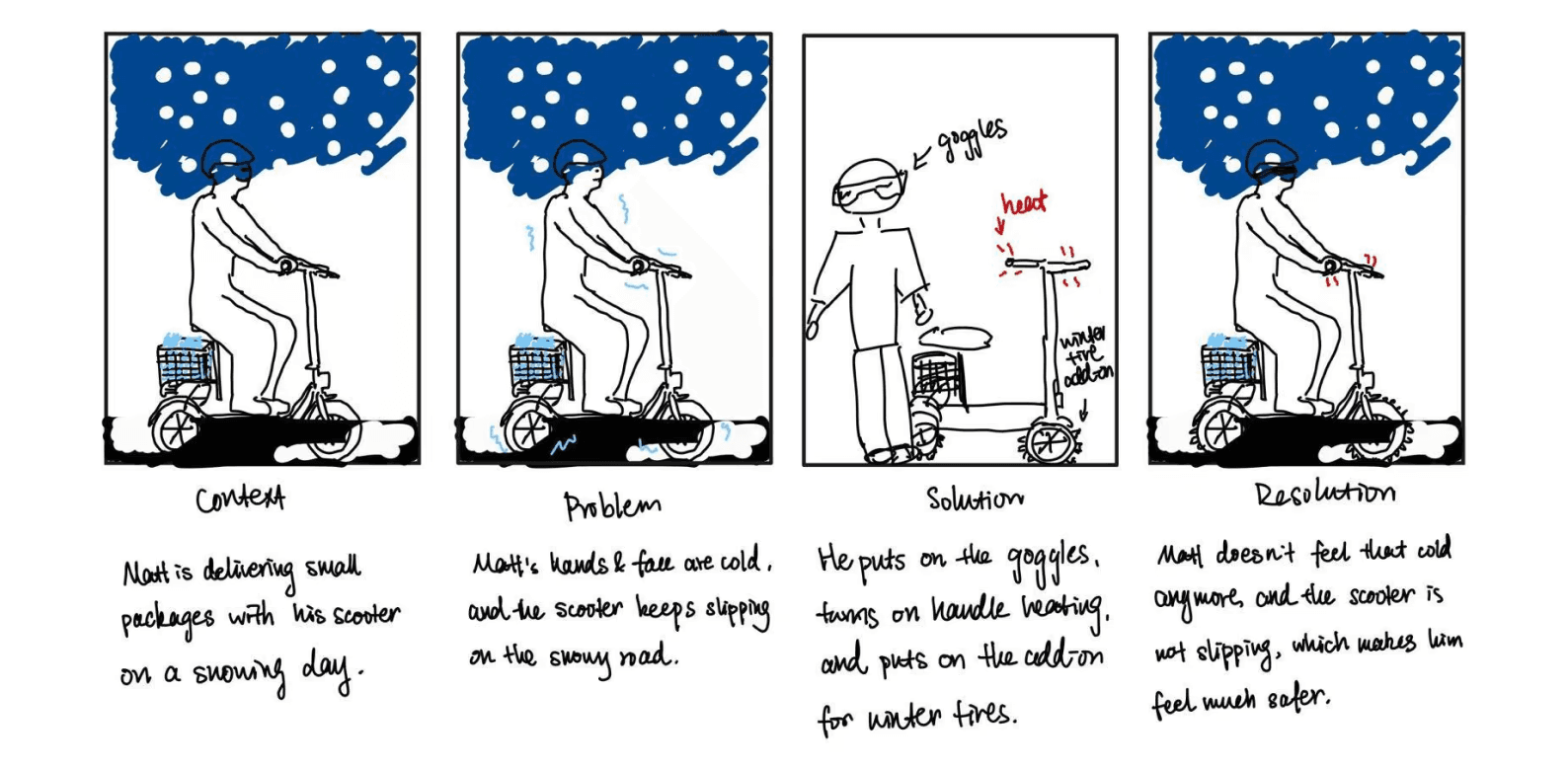
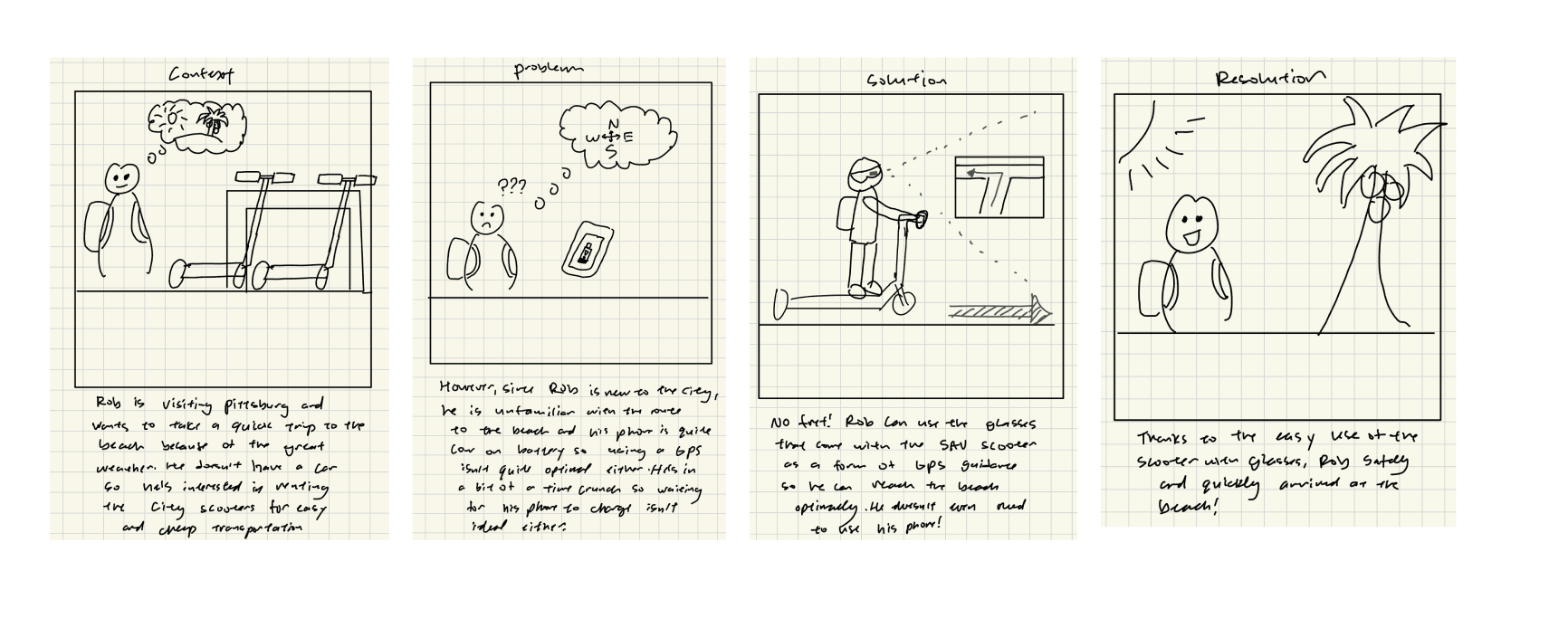
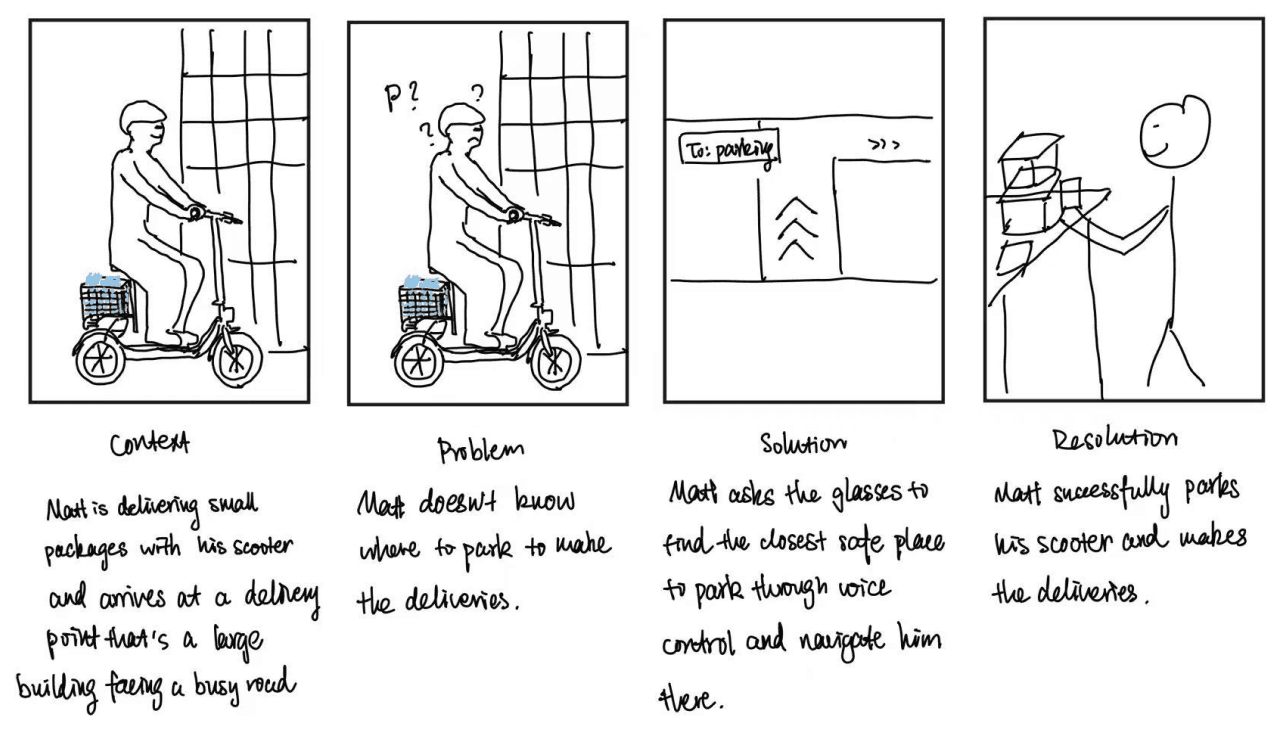
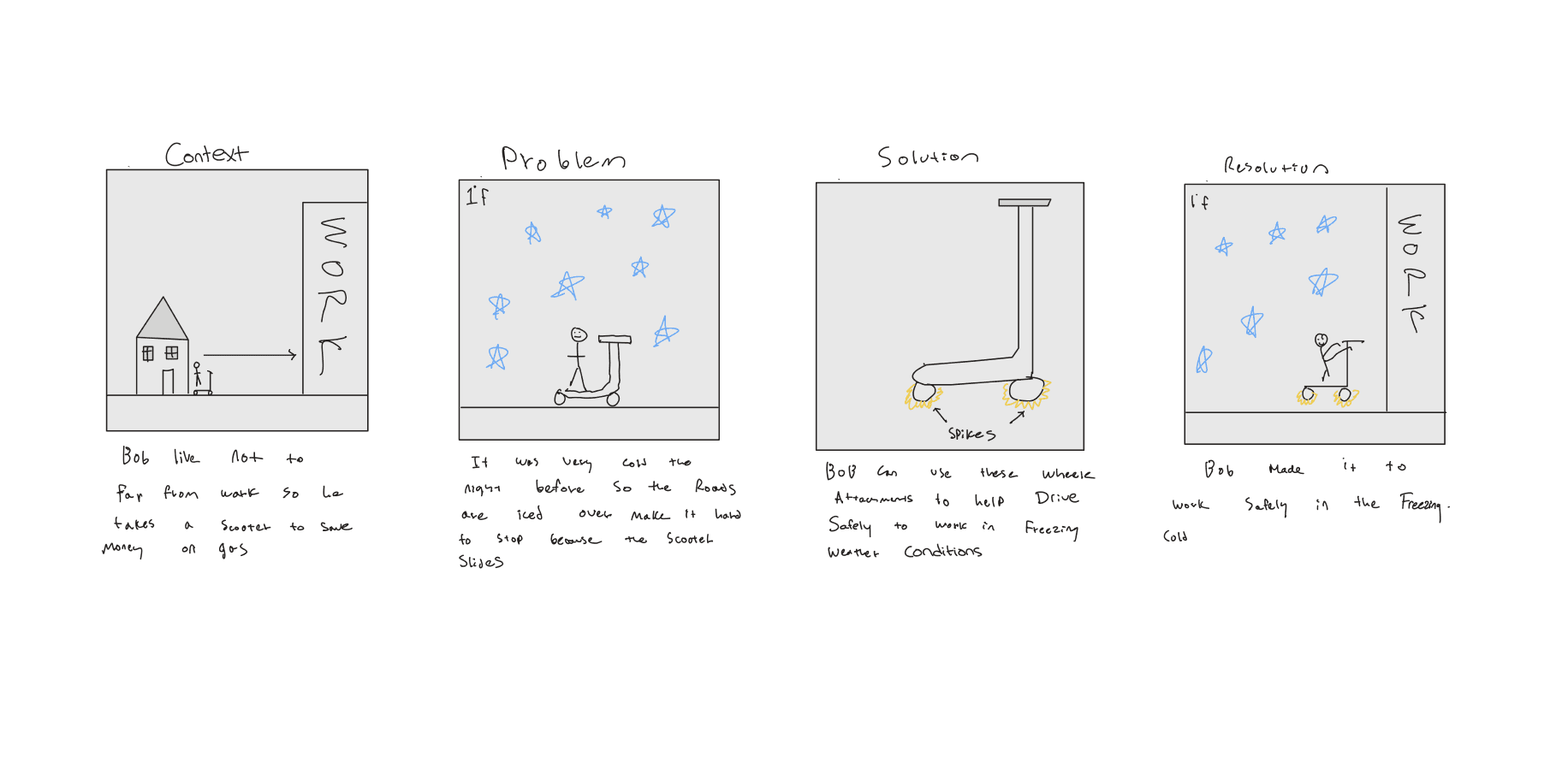
Assessing the pain points across 3 user groups: day trippers, commuters, and delivery drivers.
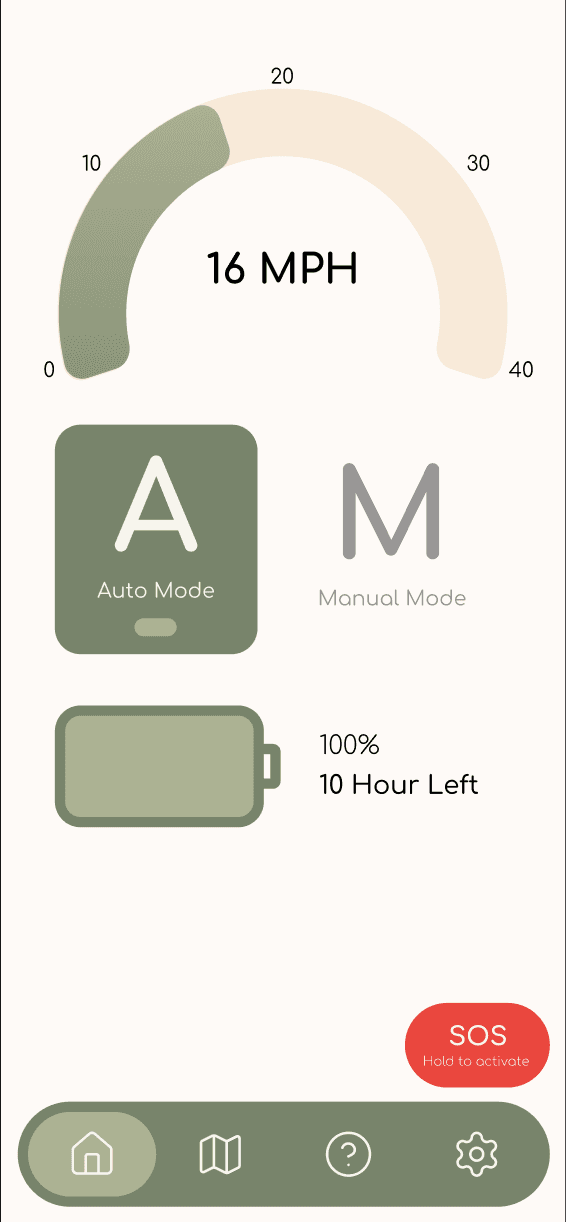
Mid-fi prototyping
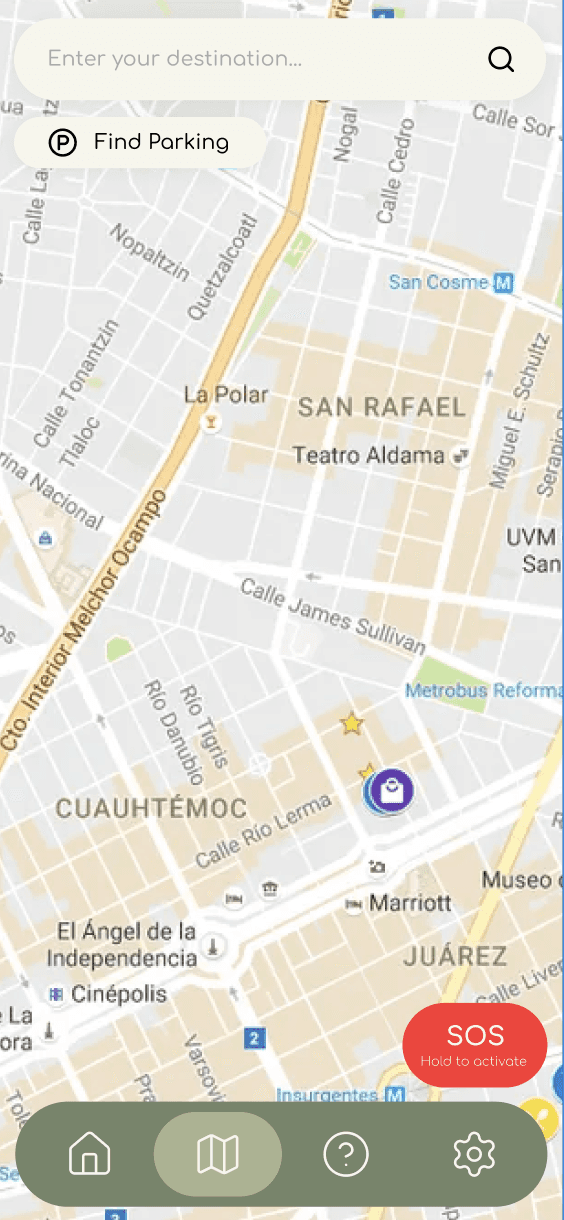
After synthesizing our insights and coming to a decision to develop an paired app, we designed wireframes of the initial app layout and key flows.
I developed the tutorial mode later after we revisited our insights to emphasize users' trust in semi-autonomy.
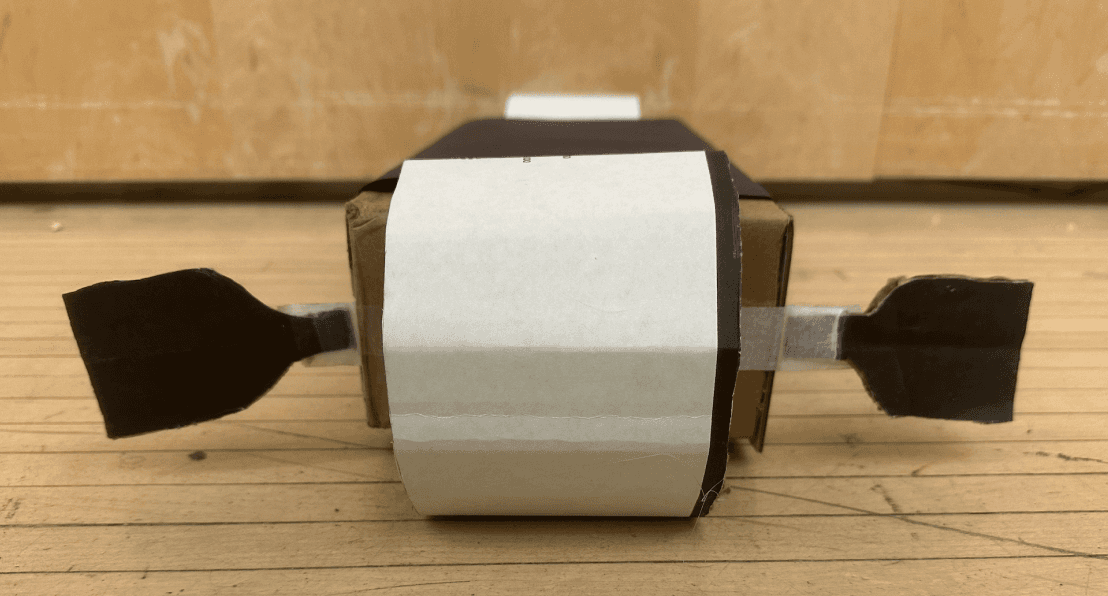
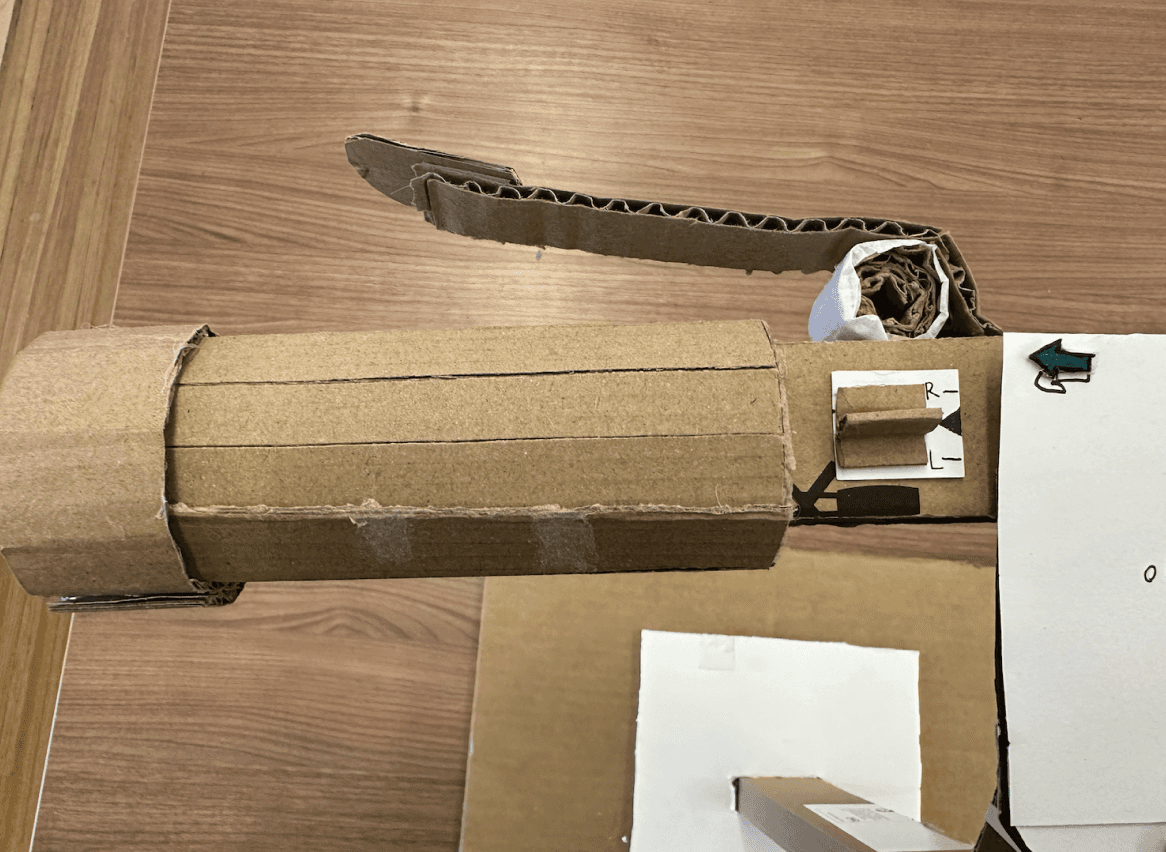
Where ideas became real!
TAKEAWAYS
I learned a lot during the experience, here are the top 3:
First impressions can be defining
Gaining enough trust from users for them to relinquish control is especially tricky and striking the right balance between these elements can make the difference between a great experience or a safety hazard. This prompted me to more deeply consider how users process system alerts and notifications, which is an aspect I've often overlooked in interactions with purely digital products.
Refinement isn't just about adding
We often hear that "less is more" and this principle has never been more true in this design process. Too much noise and features would only serve to distract the user from their main task of driving, but too little would be insufficient to adequately address their pain points. Learning about haptic feedback was extremely helpful in balancing the users' visual and physical senses to create a safe and cohesive experience.
Engagement can look vastly different
Through this, I've added two new concepts to my design word bank: cognitive ergonomics and peripheral attention. It's all about engaging users when designing interfaces or products. But do we always want undivided engagement or attention? I learned that there's a delicate balance in directing the user's attention to the interface and their task at hand, especially with physical products.